
Midjourney AI operates in Discord as a platform to create images based on written prompts. Getting started can be overwhelming when you look at some of the amazing work posted by experienced users in some of the galleries. Don’t be discouraged. It takes time and a lot of prompting to begin understanding how the AI interprets your words. These are some of the things I learned that may be helpful to you:
- Use the Midjourney FAQs
- A copious amount of FAQs are available that deal with common issues such as getting full body photos, changing skin colors, and getting higher details
- Think like a human
- Midjourney was trained by humans with art created by humans. It is trained to understand your train of thought. Punctuation does not have specific meaning, yet it does have an impact on your final results.
- Consider writing your prompt exactly as you would describe the real image if it existed first. Then, add the extras such as “unreal engine 5” “high definition” “4k”, etc…
- Iterate, iterate, iterate
- Don’t give up on the first prompt. It can take dozens of prompts and variations to get to a result you like.
- Make minor changes with each prompt
- Don’t make major changes to the prompt on each iteration. It becomes harder to understand how your changes are affecting your image. Less is more.
- Learn how to use the modifiers
- This is a work in progress for me. modifiers go at the end of your prompt with a double hyphen like this: –ar 3:2 –stylize 100 etc.
- These are great ways to maintain your prompt and get different results.
- AR is aspect ratio. Midjourney v4 is limited to 1:1 and 3:2/2:3 for now.
- Stylize determines how much artistic chaos you want Midjourney to add to your prompt. Zero is none and 100 means it may disregard your entire prompt.
- There are a lot of modifiers and they are all explained in the FAQs on the Discord Channel
- This is a work in progress for me. modifiers go at the end of your prompt with a double hyphen like this: –ar 3:2 –stylize 100 etc.
- Don’t be so serious
- The more creative you can be in your prompts the more creative you may get in your results. Add random words and see what happens.
- Understand film, photography, and gaming design jargon
- Due to the vast amount of film, photography, and gaming criteria used to train Midjourney it understands these very well. These are some of my favorites
- Cinematic Lighting
- Full Shot or Full Body
- Portrait
- 3D Shading
- Unreal Engine 5
- 4k, 8k, 16k, 32k
- Lens type and focal length
- Camera type and film type
- to name a few…
- Due to the vast amount of film, photography, and gaming criteria used to train Midjourney it understands these very well. These are some of my favorites
- Use Artist styles and names
- I don’t support duplicating another artist’s work, but I do believe every artist builds their style upon creations by other artists the same way it has been for hundreds of years.
- Inputting the artistic style will impact what you get: digital art, vector, illustration, oil painting, colored pencil, crayon, pencil sketch, charcoal, blueprint, etc..
- Inputting the name of a famous or well known artist can also give you an image in the likeness of their artistic style. I typically write this as “in the style of Picasso” or something like this.
- Don’t expect great hands
- Hands are one of the hardest human body parts to draw. Consider how many positions hands can be placed that you don’t see the full four fingers and thumb. The AI does its best to generate hands, but don’t expect great hands for some time as the AI is trained.
- Don’t stop after Midjourney/Edit images like photos
- Images produced by Midjourney are not high quality.
- Find a tool you like to increase resolution and detail
- Use your favorite photo editing app to enhance the final image.
- I see a huge difference in edited images to show off the subject and enhance light and shadow.
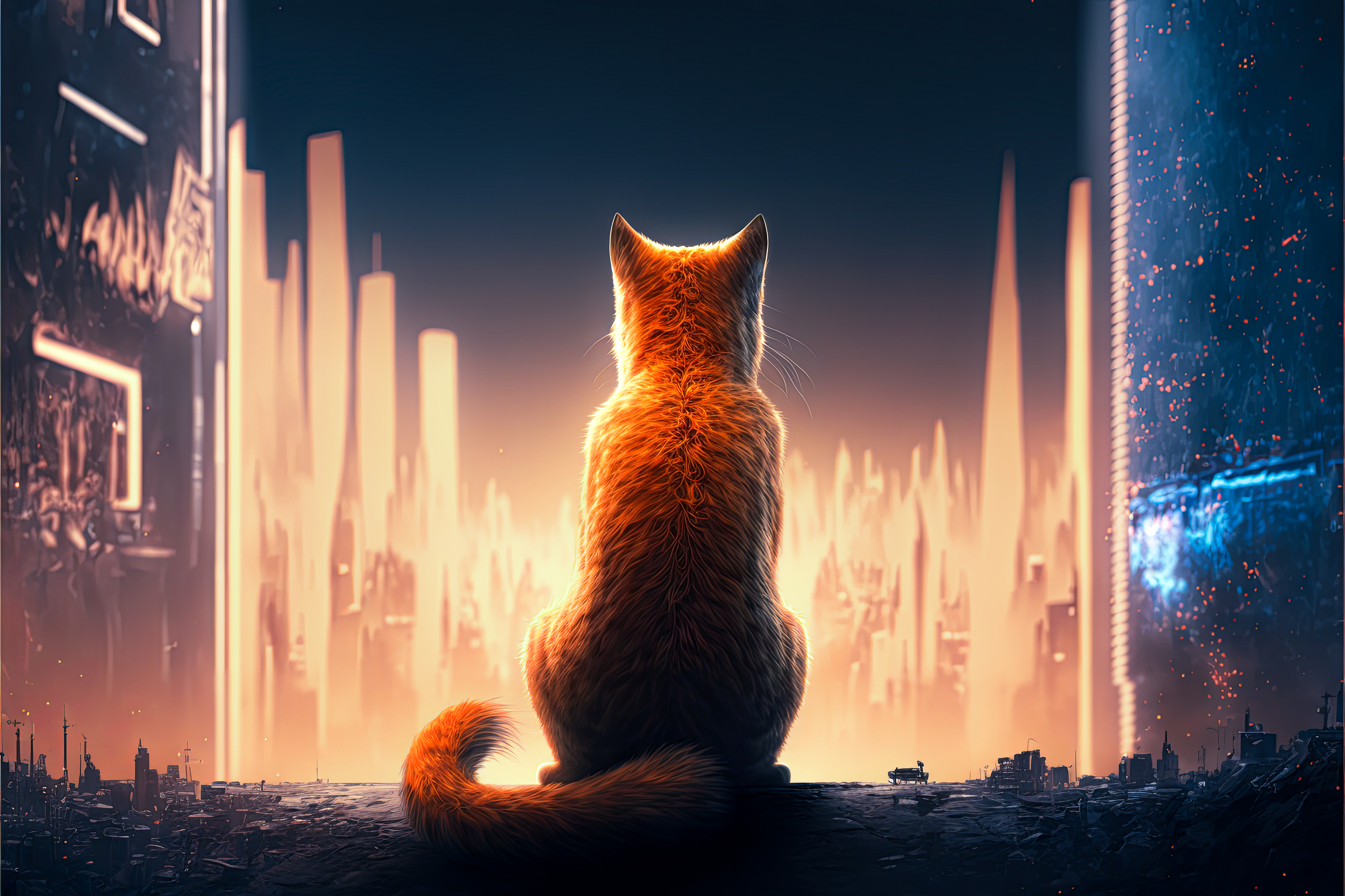
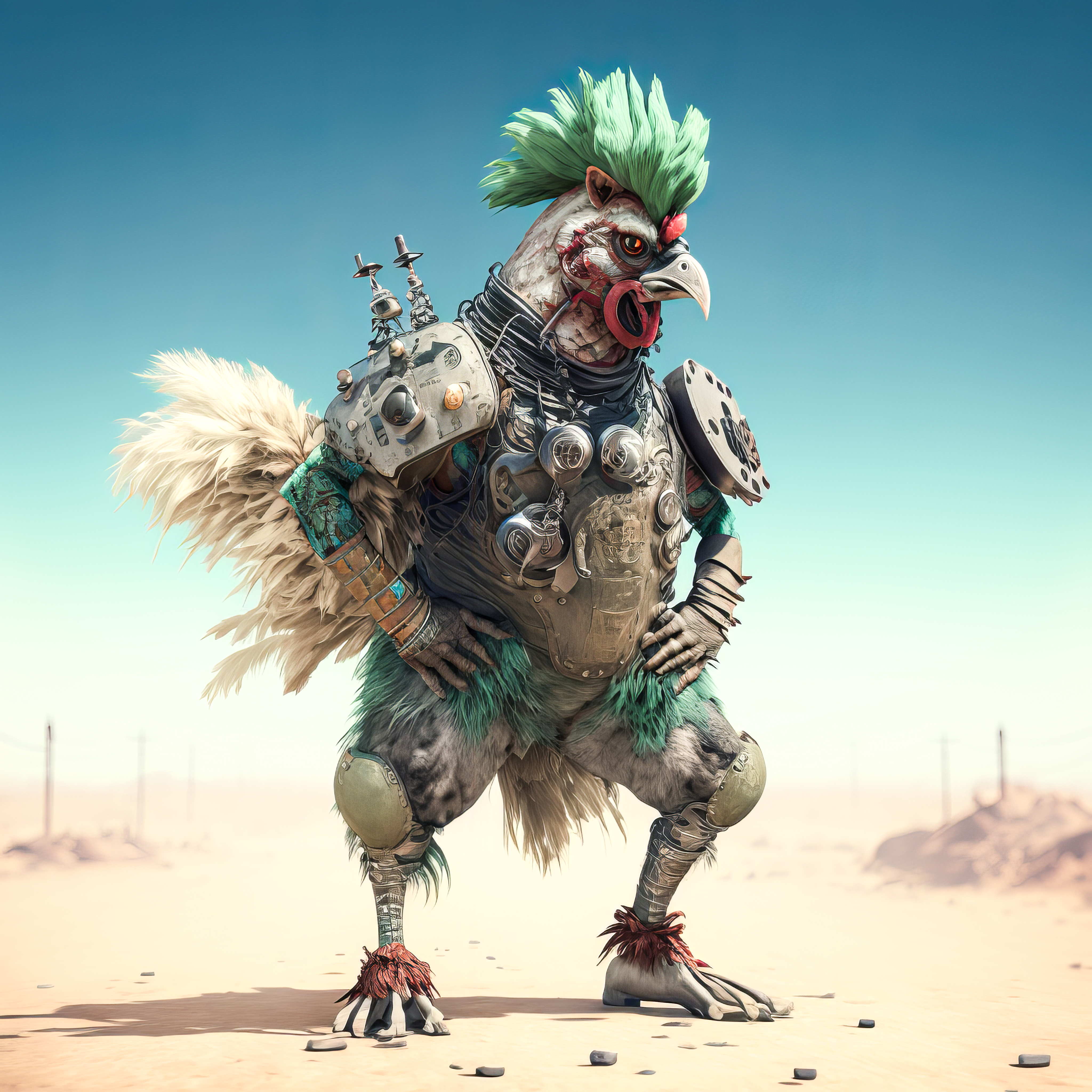
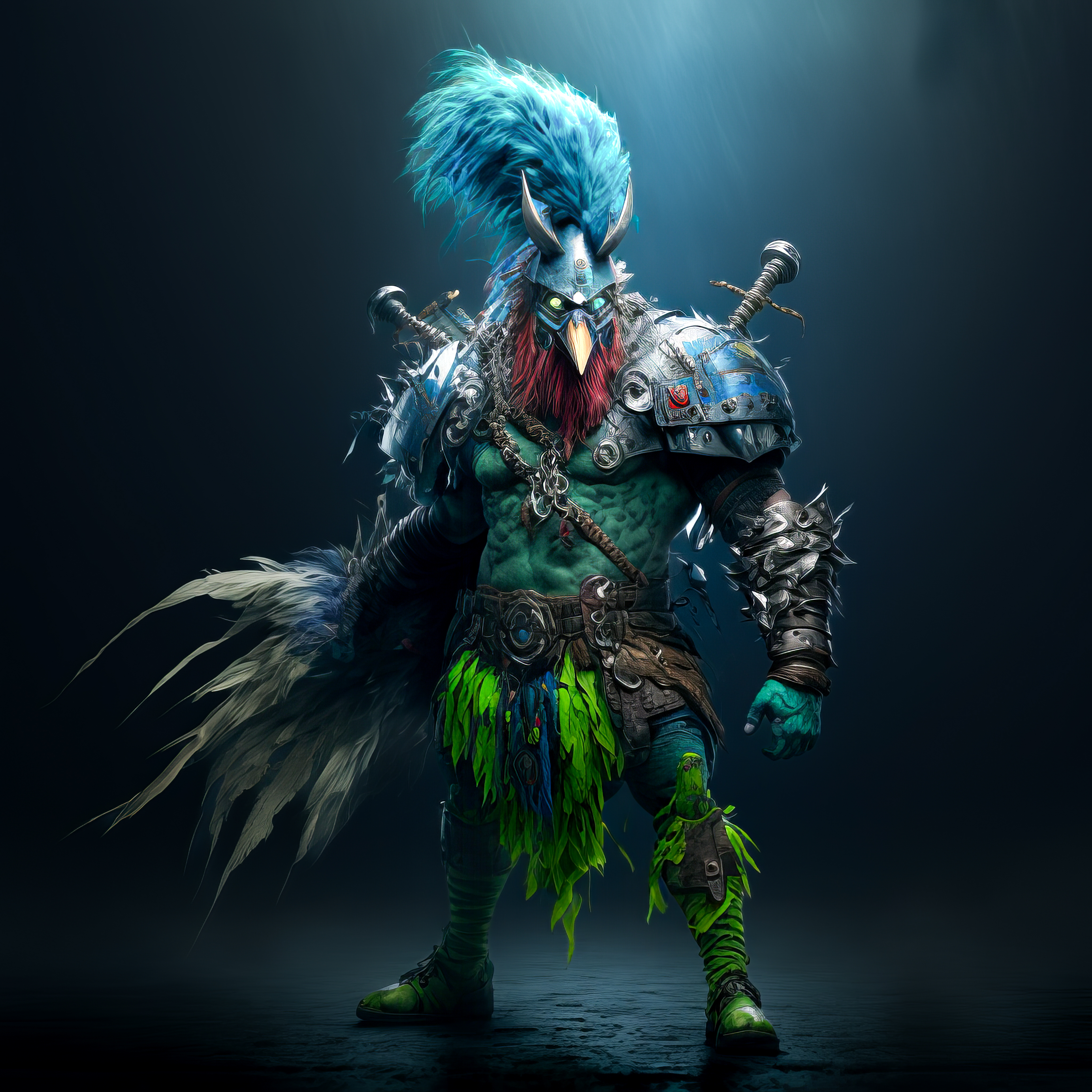
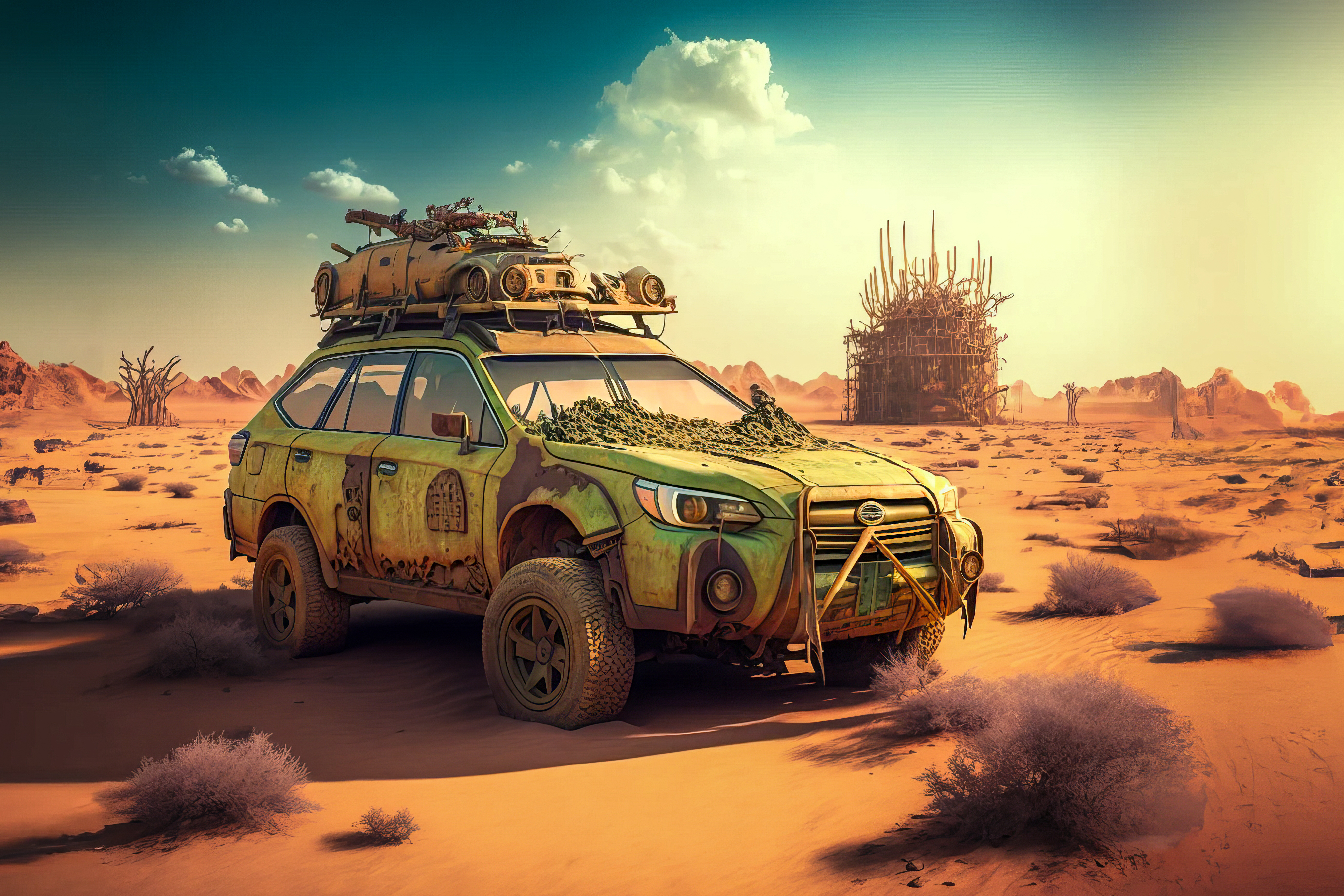
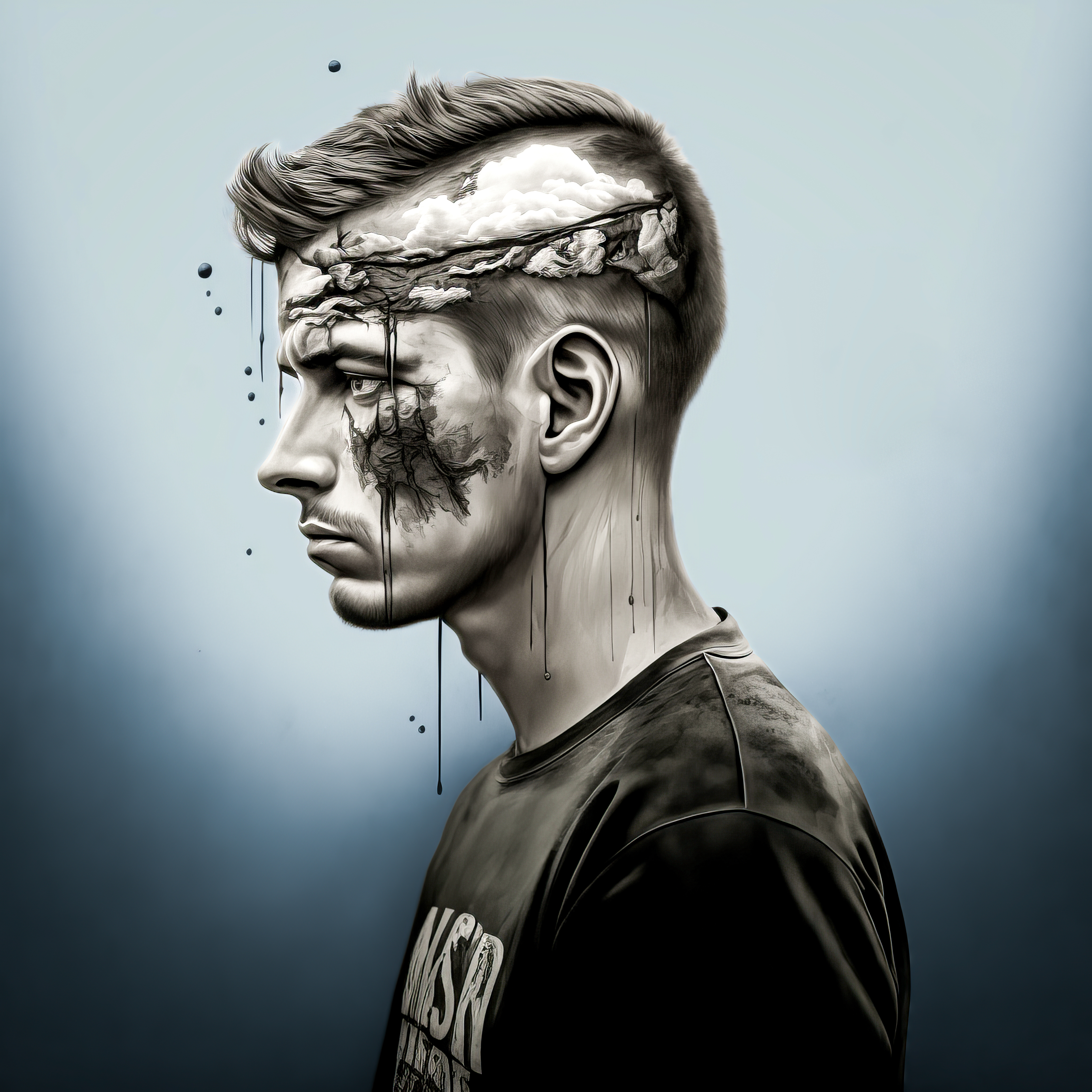
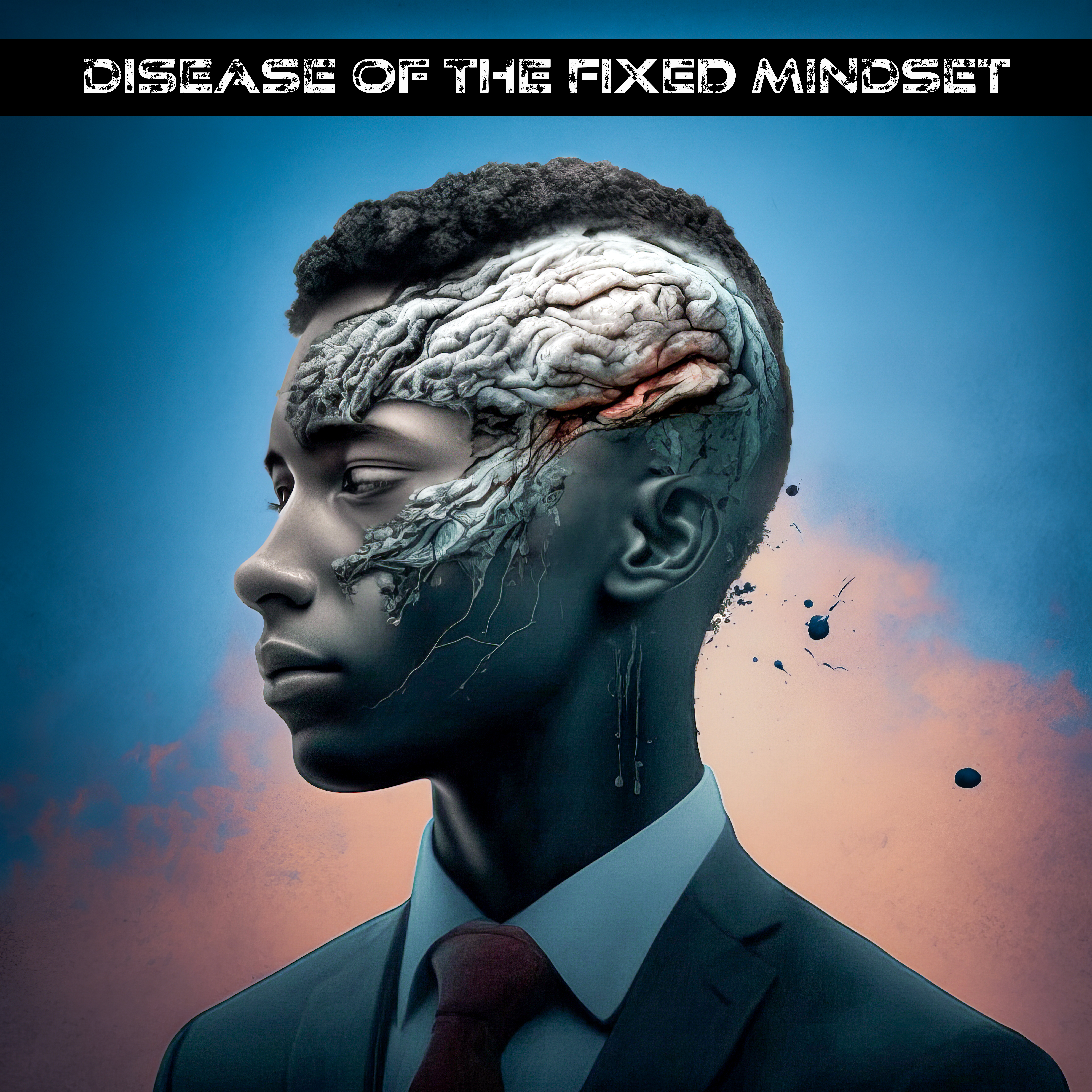
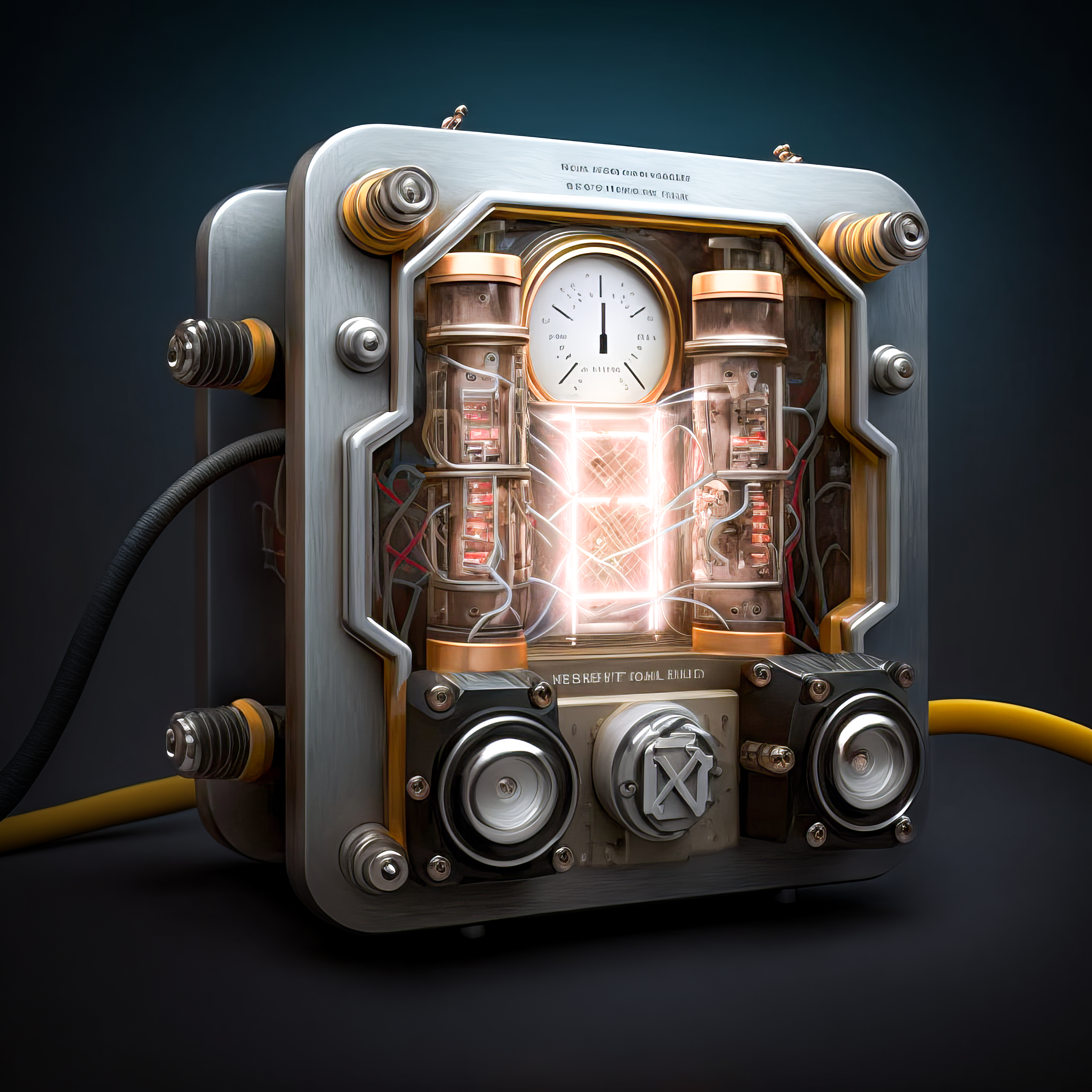
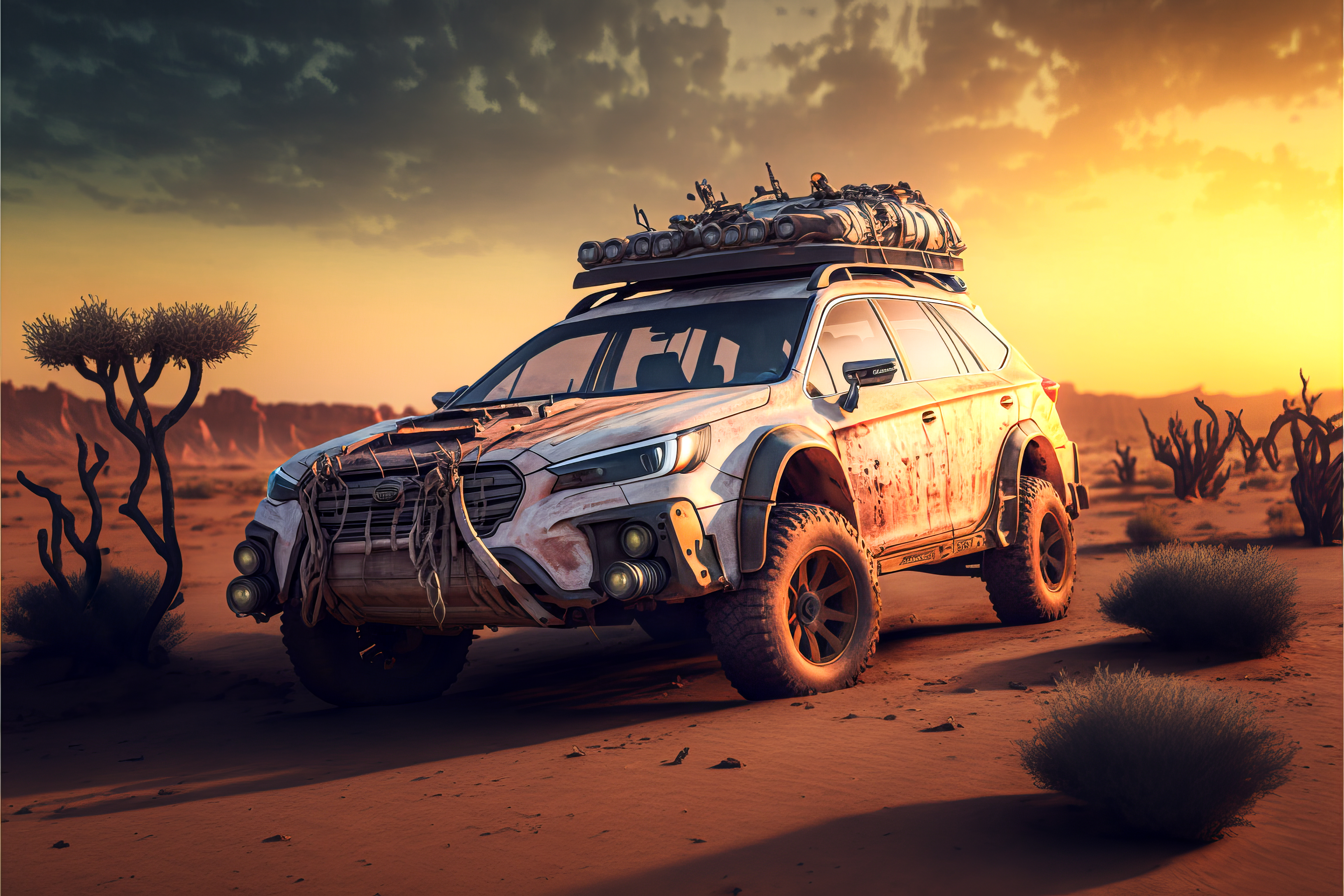
Good luck! Here are a few of my favorites



 douglas adams
One thought on “Midjourney AI Prompting Tips”